


Both cameras at once
Record with the back and front cameras at the same time. Drag and pinch the small window to move and resize it.
Photos too
Turn on Dual in photo mode and one tap saves the back and front cameras in a single image.
PhotoVideo
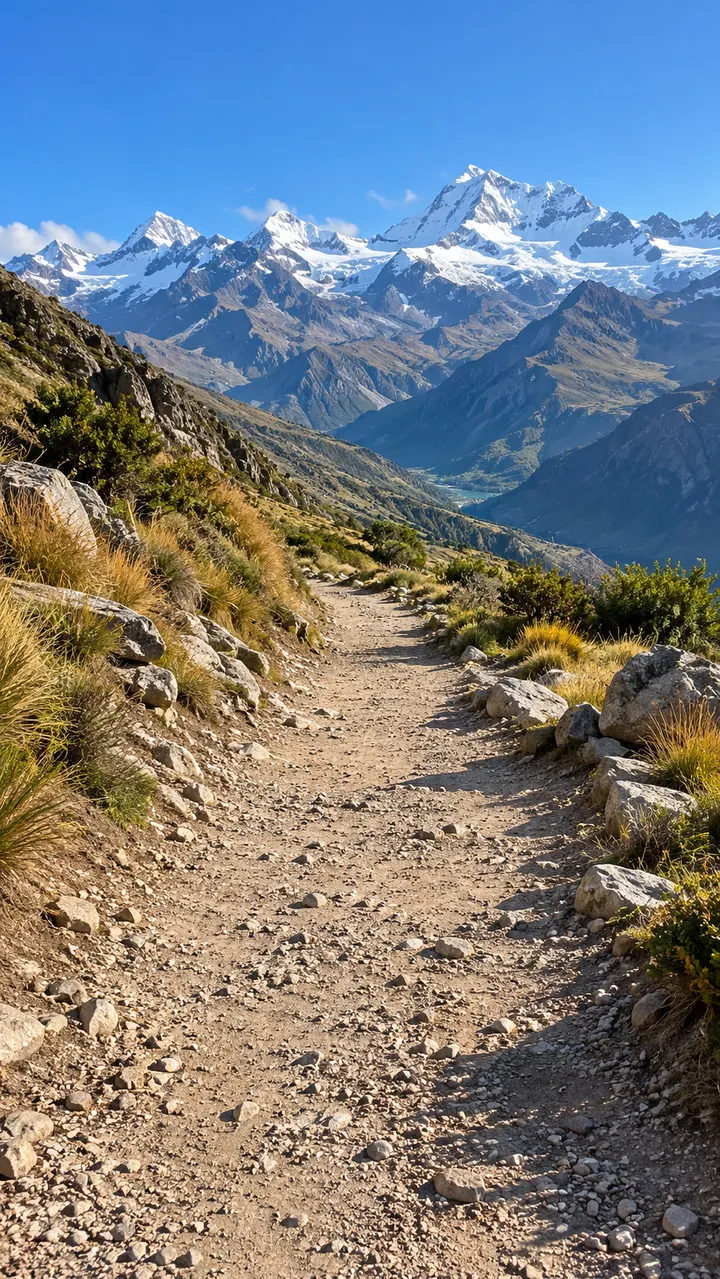
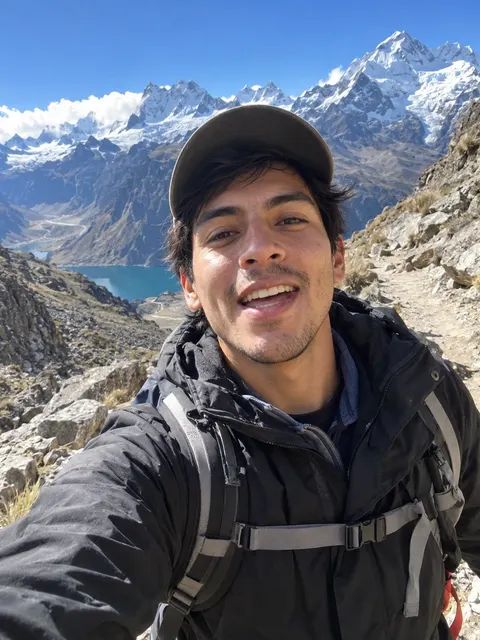
Pick a pose and its outline appears over the camera. Line the person up inside it and shoot.
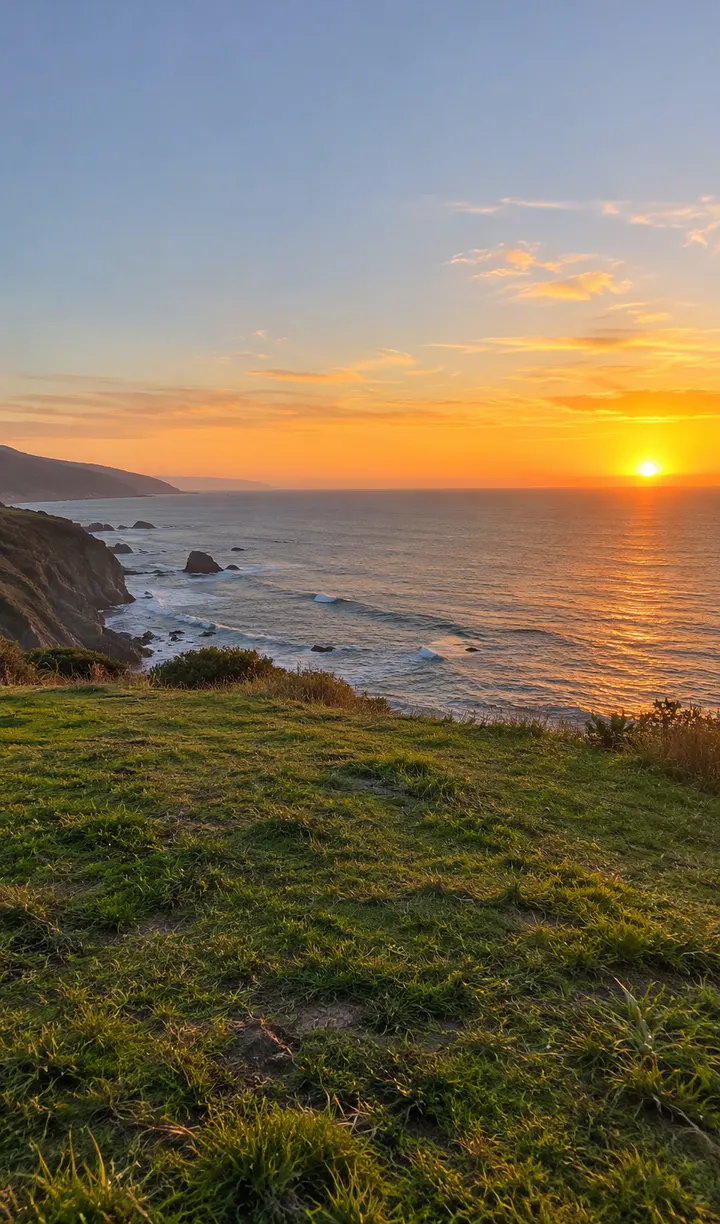

Interactive demo with sample photos.
PhotoGuide
Explore
Travel

Street
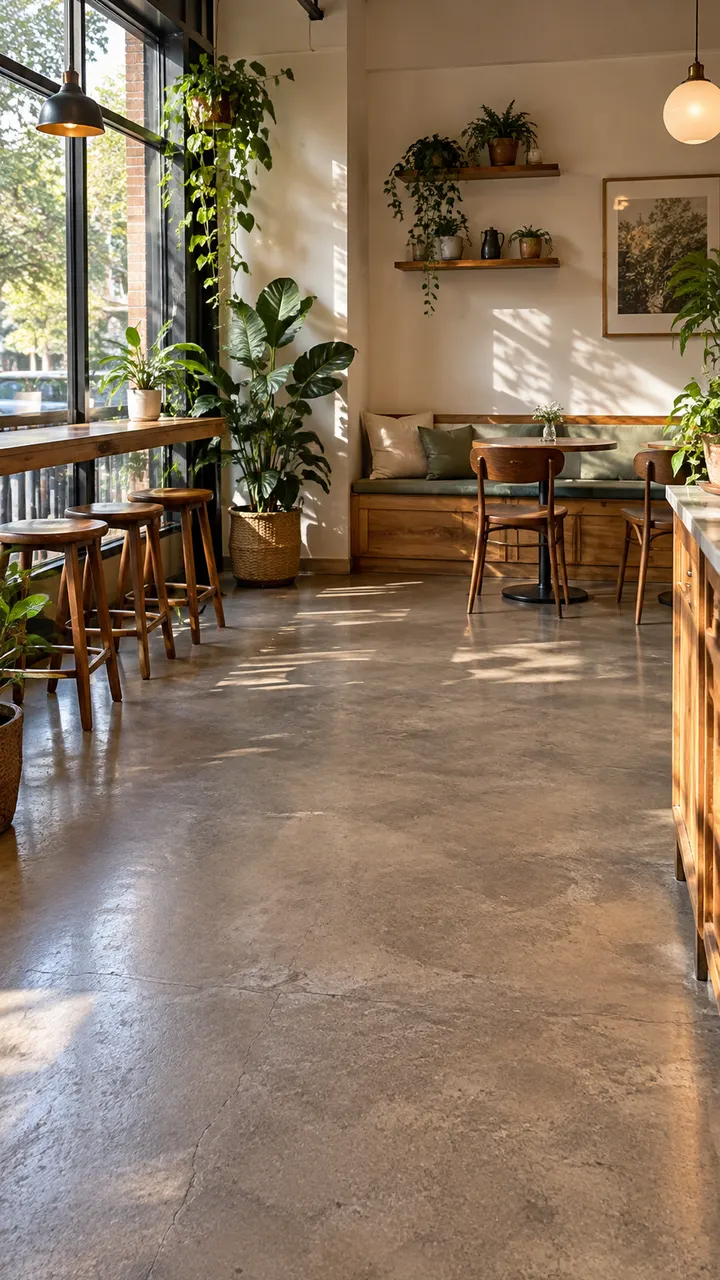
Café
Mountain
Poses are grouped by setting and style: travel, street, café.
Guides








Each pose comes with its guide and the framing already worked out. Preview the outline before you open the camera.

The outline sits over the camera. Adjust its opacity, line the person up and take the photo.
We publish the catalog from our server. New poses show up the next time you open PhotoGuide, and the ones you already downloaded work offline.
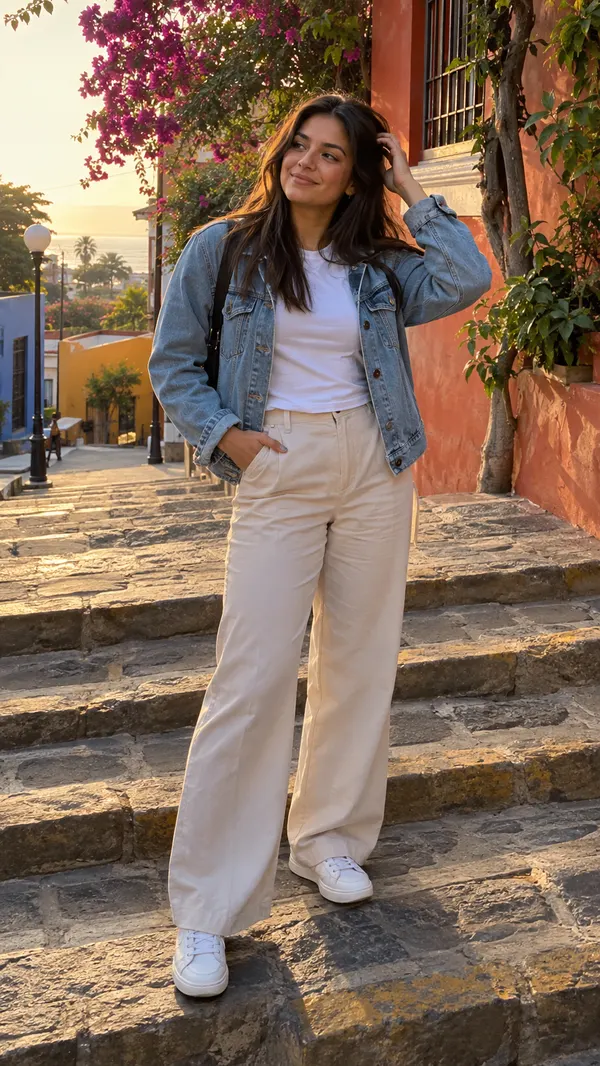
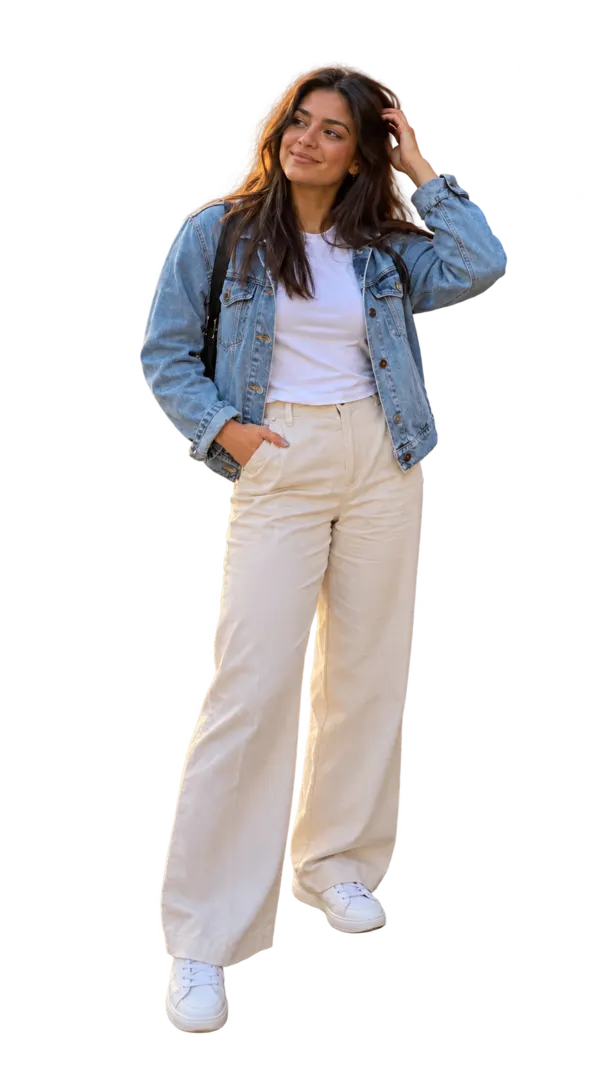
Interactive demo with sample photos.
Saw a photo you liked? Pick it from your library. PhotoGuide cuts out the person and puts them over the camera so you can copy the pose.
Record with the back and front cameras at the same time. Drag and pinch the small window to move and resize it.
Turn on Dual in photo mode and one tap saves the back and front cameras in a single image.
If the camera points too far up or down, or the phone is not level, a tip appears.
Camera Control and Bluetooth remotes work too. Handy when the phone is on a tripod.
Saved the moment you shoot, as HEIC with the original metadata. Up to 48 MP when the sensor supports it.
Align to guideThe editor straightens and crops the photo with "Align to guide".
Widgets and quick actions that open the camera in photo or video.
PhotoGuide has no sign-up and no trackers. The only thing it downloads is poses.
PhotoGuide is in closed beta on TestFlight, Apple’s app for testing apps before release.
You need an iPhone 11 or later running iOS 17 or newer.
Something broken? Take a screenshot inside PhotoGuide and TestFlight lets you send it with a comment.

PhotoGuide
Public invitation coming soon